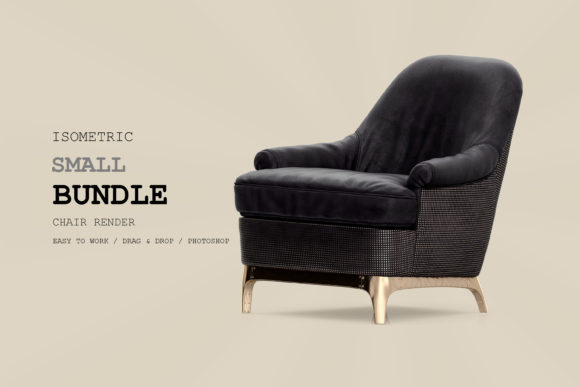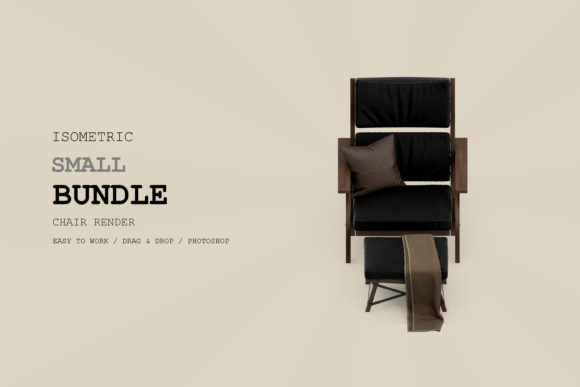
Isometric Armchair 3D Rendering Pack 168
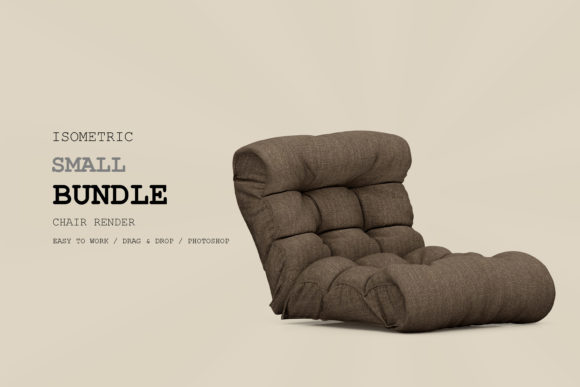
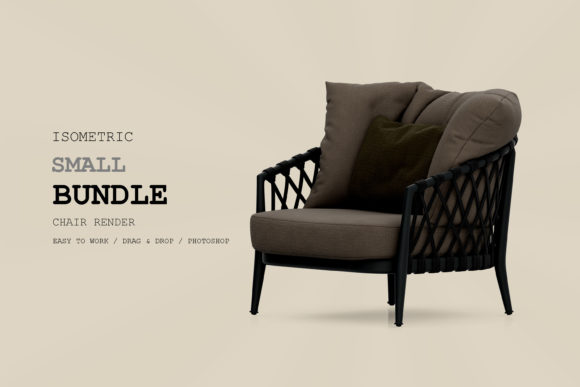
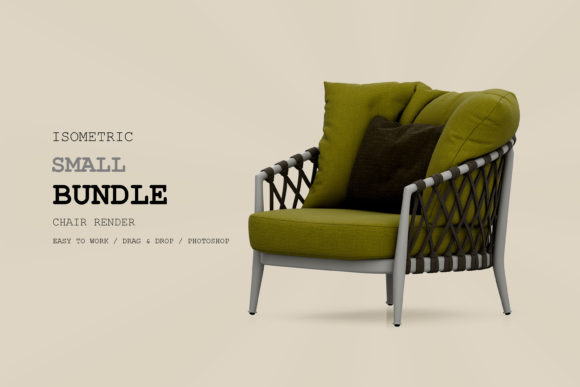
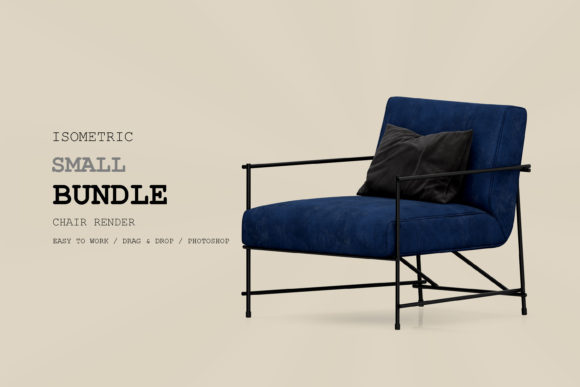
In the world of digital design, finding assets that are both visually striking and technically versatile is a constant pursuit. The Isometric Armchair 3D Rendering Pack 168 stands out as a premium resource for creators who need high-quality, ready-to-use elements without the steep learning curve of modeling from scratch. This pack is not just a single image; it is a comprehensive toolkit designed to elevate projects ranging from social media graphics to architectural visualizations.
What makes this specific collection particularly valuable is its attention to technical detail. With a resolution of 300 DPI, these renders are crisp enough for professional print materials while remaining lightweight enough for web use. The inclusion of separated backgrounds, organized layers, and distinct shadow elements means you have total control over composition. Whether you are a seasoned graphic designer or an educator preparing engaging course materials, this asset pack offers the flexibility needed to bring your vision to life efficiently.
Technical Superiority: Why Layers and Separation Matter
The true power of the Isometric Armchair 3D Rendering Pack 168 lies in its file structure. In 3D rendering, getting the lighting right is only half the battle; integrating that element seamlessly into a new scene is where many designers struggle. This pack solves that problem by providing separated components.
- Separeted Background: The armchair is presented on a transparent background, allowing you to place it anywhere—on a desk, in a virtual room, or against a bold gradient—without dealing with awkward white boxes or complex masking tools.
- Organized Layers: For those using software like Photoshop or Affinity Designer, the internal layering allows for granular adjustments. You can tweak the color of the fabric, adjust the brightness of the wood finish, or isolate specific parts of the chair for detailed retouching.
- Separeted Shadow: One of the most common mistakes in compositing is ignoring realistic shadows. By providing a separate shadow layer, this pack ensures the armchair appears grounded and natural within your design, enhancing depth and realism instantly.
This level of organization saves hours of work. Instead of spending time reconstructing lighting angles or manually erasing backgrounds, you can focus on creativity and layout. The high-resolution output ensures that even when scaled up for large format printing, the textures remain sharp and the edges clean.
Creative Applications Across Industries
The versatility of isometric art has made it a staple in modern visual communication. It combines the clarity of technical drawings with the appeal of illustration, making complex information easy to digest. Here is how different professionals can leverage the Isometric Armchair 3D Rendering Pack 168 in their specific workflows.
Architecture and Interior Design
For architects and interior designers, visualization is key. Clients often struggle to interpret blueprints but respond well to spatial representations. Using this pack, you can quickly populate floor plans with furniture to show scale and proportion. Because the render is isometric, it fits perfectly into top-down or angled layout diagrams. You can mix and match different chairs (if available in related packs) to create diverse living room concepts, helping clients visualize potential renovations or new office spaces with confidence.
Digital Marketing and Social Media
In the fast-paced world of social media, static images need to grab attention immediately. Isometric illustrations are highly shareable and perform exceptionally well on platforms like Instagram, Pinterest, and LinkedIn. The Isometric Armchair 3D Rendering Pack 168 provides a focal point that looks professional and polished. Marketers can use these images for:
- Furniture E-commerce: Create lifestyle mockups for online stores without needing expensive photoshoots.
- Interior Design Blogs: Enhance blog posts about home decor trends with custom, branded visuals.
- Advertising Campaigns: Develop eye-catching banners for ads promoting home improvement services or furniture sales.
The 300 DPI quality ensures that these images look premium, building trust with your audience. When users see high-quality visuals, they associate that quality with the brand itself.
Education and Presentations
Educators and corporate trainers often face the challenge of making dry content engaging. Standard bullet points can be boring, but isometric graphics add a layer of visual interest that aids retention. Imagine creating a presentation on ergonomics or workplace wellness featuring the armchair from this pack. You can annotate the design, highlight comfort features, or compare different seating options. The separated layers allow you to animate elements if you are using advanced presentation software, turning a static slide into a dynamic learning experience.
User Interface and Web Design
Web designers looking to break away from generic stock photography can use these renders to create unique hero sections or feature icons. The clean lines and consistent style of isometric art fit well within modern UI/UX design principles. By placing the armchair in a digital context—perhaps on a virtual sofa in a metaverse lobby or as part of a cozy reading nook illustration—you can guide user interaction and evoke emotional responses. The organized layers make it easy to adapt the color palette to match your website’s branding guidelines.
Practical Tips for Best Results
To get the most out of the Isometric Armchair 3D Rendering Pack 168, consider these practical recommendations:
Maintain Consistency: If you are building a larger scene, ensure that the lighting direction of the armchair matches other elements in your composition. Since the shadow is provided separately, you can rotate or skew it slightly to align with other objects, but keep the angle subtle to maintain realism.
Layer Management: Keep your project files organized. Name your layers clearly (e.g., "Armchair_Base," "Shadow_Layer") so that if you return to the project later, or if a colleague needs to take over, the workflow remains smooth. This is especially important for freelancers managing multiple client projects.
Contextual Storytelling: Don’t just place the chair in isolation. Add small details around it—a side table, a plant, or a rug—to create a narrative. These contextual clues help the viewer understand the purpose of the object and the vibe of the space. The high resolution of the pack allows you to include these secondary elements without losing clarity.
Why Choose High-Resolution Assets?
In an era where screens vary from tiny mobile devices to massive 4K monitors, having assets that scale gracefully is crucial. A low-resolution image might look fine on a thumbnail but will appear pixelated and unprofessional when zoomed in or printed. The 300 DPI specification of this pack bridges the gap between digital and physical media. It allows you to use the same source file for a Facebook post and a printed brochure, ensuring brand consistency across all touchpoints.
Furthermore, high-resolution files give you the freedom to crop and reframe your compositions. If you decide mid-project that you want to focus more on the texture of the upholstery rather than the overall shape, you have the data to support that creative decision. This flexibility is invaluable for iterative design processes where ideas evolve rapidly.
Conclusion
The Isometric Armchair 3D Rendering Pack 168 is more than just a decorative element; it is a strategic tool for designers, marketers, and educators. Its technical features—separated backgrounds, organized layers, and high resolution—empower users to create polished, professional work with minimal effort. By integrating this asset into your workflow, you can enhance the visual appeal of your projects, communicate ideas more effectively, and save valuable time. Whether you are designing a dream home, launching a marketing campaign, or teaching a class, this pack provides the foundation for creative excellence.